

This information provides an excellent overview about each club's current status and progress > for club members, the District Governor, Assistant Governors and Rotary International (i.e. automatically uploads the majority of data for the Club Excellence Award.
ACCESSING ROTARY CLUB CENTRAL
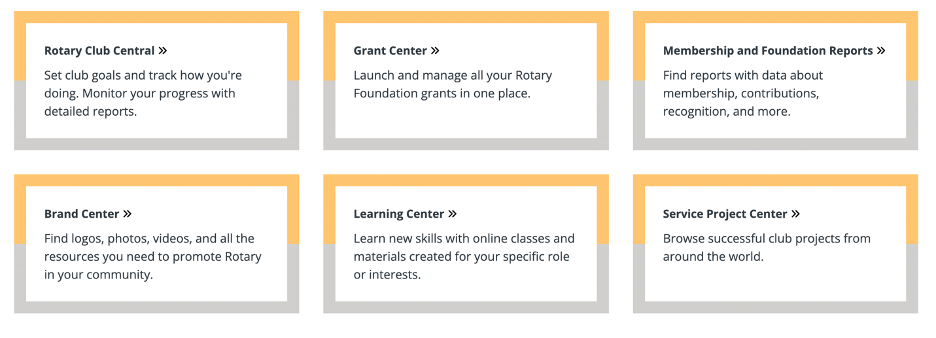
Sign in to My Rotary {or Register for an Account} and click on the Rotary Club Central link » {on Home Page}
This will take you directly to the your club's Club Goals, where depending on your Access Level you can Set A Goal, Report Progress and simply View your club's information.
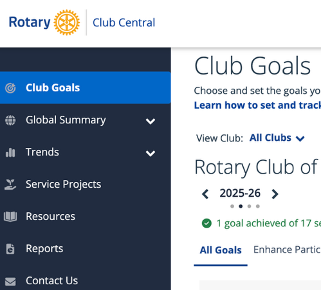
Click on Resources to access information about > General Resources (including setting/editing Goals), Membership Resources, Young Leader Resources, Service Resources, Foundation Giving Resources, Public Image Resources, Club Excellence Award Resources.
Please contact your Assistant Governor if you require any assistance.
- ls in Rotary Club Central (to assist the Club President as requested)